
 21 July 2026
 Share
Share
1

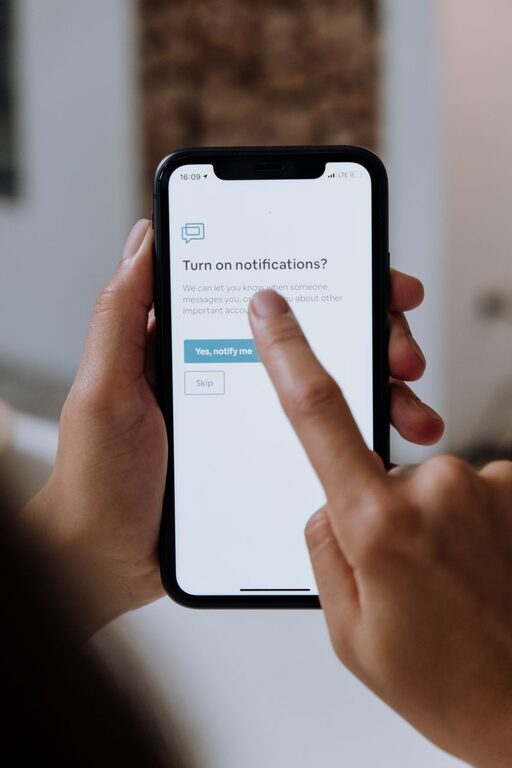
In today’s connected world, notifications from apps, emails, and social media can quickly become overwhelming. While these alerts keep us informed, they can also interrupt our focus, increase stress, and reduce productivity. Setting clear boundaries with notifications is an essential step toward regaining control over your time and attention.
This article offers practical tips to help you manage your notifications effectively, creating a healthier balance between staying connected and maintaining your peace of mind.
Notifications are designed to grab your attention—often immediately. However, constant interruptions can:
– Fragment your focus and make it harder to complete tasks.
– Increase stress and anxiety by creating a sense of urgency.
– Negatively impact your sleep if alerts come through at night.
– Disrupt personal time, making it difficult to unplug from work.
By setting boundaries, you can reduce distractions, improve your productivity, and foster healthier habits for both work and personal life.
Before making changes, take a moment to review which apps and services currently send you notifications.
– Check the types of notifications: Are they critical alerts, reminders, or simple updates?
– Identify high-frequency senders: Apps that notify you many times per day may require stricter control.
– Consider the source and importance: Notifications from work email might be necessary during office hours but not late at night.
This assessment helps prioritize which notifications to keep, mute, or modify.
Most smartphones and computers provide detailed controls for notifications. Use these tools to tailor your experience.
– Schedule “Do Not Disturb” hours (such as during sleep or focused work time).
– Allow exceptions for urgent calls or contacts when necessary.
– This mode silences most notifications without disabling your device.
– Set priority levels for apps, so only important alerts show immediately.
– Group notifications to reduce clutter in your notification center.
– Turn off notifications for apps that aren’t time-sensitive or critical.
– For social media apps, consider turning off “likes” or “comment” alerts.
– Many apps allow you to control how and when they notify you within their own settings.
– Adjust these individually to reduce unnecessary interruptions.
Instead of responding to every notification as it arrives, create specific times to check updates.
– Designate times during the day for social media, emails, or news.
– Turn off real-time notifications for non-urgent apps.
– Use productivity techniques like the Pomodoro method to focus without distractions.
This approach helps you stay informed without losing control over your attention.
Blending work and personal notifications can blur boundaries and increase stress.
– Use separate devices or user profiles for work and personal use when possible.
– Mute work notifications outside of business hours.
– Communicate your availability to colleagues to manage expectations around response times.
Clear separation allows you to be fully present during both work and relaxation.
Notifications during the night can disrupt rest and impact health.
– Enable night mode or bedtime mode on your devices.
– Turn off or silence all notifications from apps overnight.
– Consider moving devices out of your bedroom to avoid temptation.
Prioritizing uninterrupted sleep improves overall well-being.
Creating lasting change requires mindful habits.
– Regularly review and update your notification settings.
– Limit the number of apps you install to reduce potential distractions.
– Practice digital detox periods without any notifications.
– Use features like “Focus Mode” or “Screen Time” to monitor usage.
Building awareness about how notifications affect you empowers better choices.
Notifications are valuable tools for staying connected and organized, but unchecked, they can quickly become sources of stress and distraction. By evaluating your current alerts, customizing settings, scheduling check-ins, and setting clear boundaries between work and personal time, you can create a balanced notification experience.
Implementing these tips helps protect your focus, improve productivity, and nurture a healthier relationship with your technology. Start small today, and enjoy the benefits of a more peaceful, focused digital life.
